
Updating your address on Spotify ensures uninterrupted access to your account, especially for Premium Family Plan users who must share the same address as family members. It also aligns your account with regional content and billing requirements. Whether you’ve moved or entered incorrect details, knowing how to change my address on Spotify is crucial for seamless streaming and compliance with Spotify’s policies.
Note: For those looking to boost their Spotify presence alongside managing account details, exploring tools like the Spotify SMM panel can enhance your profile’s visibility and engagement effortlessly.
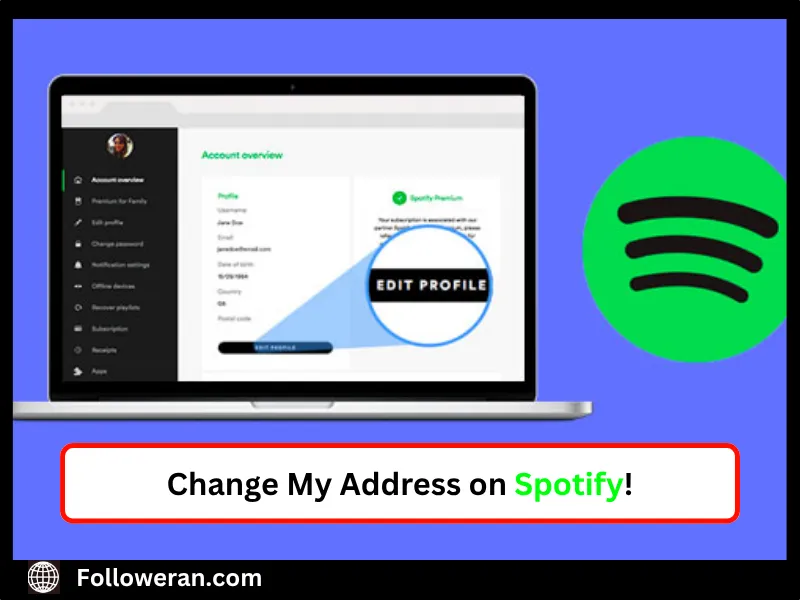
How to Change My Address on Spotify for Free Accounts?
For Spotify Free users, updating your address adjusts your account’s region, affecting available content. Here’s how to change address on Spotify free:
- Log In: Visit Spotify’s account page on a web browser and sign in.
- Access Profile: Click your profile picture, then select “Account.”
- Edit Country/Region: Under “Edit Profile,” find the “Country or Region” dropdown. Select your new country, ensuring you’re physically located there or using a VPN like TunesKit Location Changer if needed.
- Save Changes: Click “Save Profile” to update.
Note that free accounts can only update regions after 14 days in a new location. How to change address on Spotify free ensures you access local music recommendations without hassle.
How to Change Your Address on Spotify for the Family Plan?
For Premium Family Plan users, Spotify requires all members to share the same address. Unfortunately, as of 2025, Spotify does not allow direct address changes for existing Family Plans due to verification policies. Here’s how to change your address on Spotify for the Family Plan:
- Cancel Current Plan: Log into your account at Spotify’s website. Go to “Subscription,” select your Family Plan, and click “Cancel.” Ensure all devices are signed out.
- Create New Account: Sign up for a new Spotify account with a different email. Log out everywhere from the old account to avoid conflicts.
- Resubscribe to Family Plan: Go to “Premium Family,” enter your new address during setup, and subscribe. Invite family members to join using the correct address.
How to change my address on Spotify for a Family Plan requires this workaround, as direct edits aren’t supported. Family members must confirm the same address, ensuring compliance with Spotify’s “under one roof” policy. While updating your account, consider boosting your Spotify presence by buying Spotify followers to grow your profile’s reach and make your Family Plan playlists stand out to a wider audience!
Changing Address on Spotify for Family Plan via iPhone
To change your address on Spotify for the Family Plan iPhone:
- Open Spotify App: Launch Spotify on your iPhone and sign in.
- Cancel Subscription: Tap your profile, go to “Account,” then “Subscription,” and cancel the Family Plan.
- Create New Account: Sign up with a new email via the app or browser. Sign out from all devices on the old account.
- Set Up Family Plan: Navigate to “Premium Family,” input your new address, and resubscribe. Send invites to family members.
If the address doesn’t autocomplete, manually enter it and select “Find.” This process aligns with how to change your address on Spotify for the Family Plan iPhone, keeping your plan active.
Troubleshooting Address Change Issues
If you encounter issues, try these solutions:
- Incorrect Country: Ensure your payment method matches the new country. Update it in “Account > Payment > Update” to reflect the correct region.
- Invite Errors: If family members can’t join, use an incognito browser or different Wi-Fi for invites. Ensure all accounts use the same address.
- Contact Support: If problems persist, reach Spotify Support via their website. They may downgrade your plan to free, allowing a resubscription with the correct address.
How to change address on Spotify free or Family Plans may require patience due to these limitations. Avoid entering random addresses, as this complicates verification.
Best Practices for Managing Your Spotify Address:
To ensure a smooth experience:
- Verify Address Early: Double-check your address during Family Plan setup to avoid future hassles.
- Update Payment Details: Use a payment method issued in your new country to align with Spotify’s billing rules.
- Communicate with Family: Ensure all members enter the exact address to prevent verification errors.
These practices streamline how to change address on Spotify, maintaining uninterrupted access and plan functionality.
The Importance of Keeping Your Spotify Address Up to Date
Maintaining an accurate address on Spotify is crucial for seamless access, particularly for Premium Family Plan users who are required to share the same address under Spotify’s household rules. A correct address unlocks region-specific content, such as localized playlists, and ensures billing aligns with your country’s currency.
For free accounts, it refines music recommendations based on your location. Failure to update your address may lead to verification issues or plan disruptions, as noted in Spotify’s official guidelines (spotify.com).
Conclusion: How to Change my Address on Spotify
Updating your Spotify address ensures seamless access, especially for Premium Family Plan users who must share the same address. It aligns your account with regional content and billing requirements. For Spotify Free users, changing your address updates your region for tailored content. Log into Spotify’s website, access “Account,” select your new country under “Edit Profile,” and save.
Free accounts require a 14-day wait in the new location. For Family Plans, Spotify’s 2025 policies prevent direct address changes. Instead, cancel your plan via “Subscription,” create a new account with a different email, and resubscribe to Premium Family with the new address. On iPhone, cancel the plan through the app, sign up anew, and set up the Family Plan with the correct address. Troubleshooting tips include matching payment methods to the new country, using incognito mode for invites, or contacting Spotify Support.
FAQs About Change My Address on Spotify
Can I change my address without canceling my Family Plan?
No, Spotify requires canceling and resubscribing with a new account to update Family Plan addresses in 2025.
How long does it take to update my address on a free account?
Free account region changes take effect after 14 days in a new country, per Spotify’s policy.
Why can’t my family members join my Family Plan?
Ensure all members enter the same address. Use incognito mode or different Wi-Fi for invites if errors occur.
Do I need a VPN to change my address on Spotify free?
A VPN like TunesKit can help if you’re not physically in the new country, but updates apply after 14 days.
Can I keep my playlists after changing my Family Plan address?
Yes, create a new account, transfer playlists via Spotify’s export tools, then resubscribe with the new address.