
If you’ve ever seen the message “This channel cannot be displayed” or “This message cannot be displayed” while using Telegram, you’re not alone. These frustrating errors are more common than most users think, especially across different devices and regions.
Whether it’s due to copyright issues, sensitive content, or location-based restrictions, the “cannot be displayed Telegram” error can prevent you from accessing channels or messages you need. In this guide, we’ll explain the main reasons behind these messages and walk you through simple, safe ways to fix them.
What Does ‘This Channel Cannot Be Displayed’ Mean on Telegram?
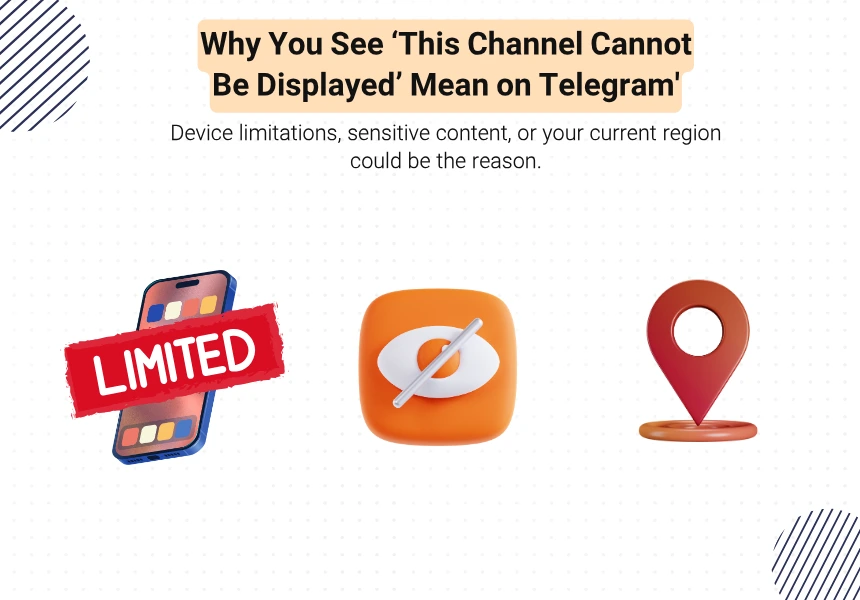
The message “This channel cannot be displayed” or “This group/message can’t be displayed” usually appears when Telegram blocks access to certain content based on your device, location, or account settings. This restriction isn’t always a technical error—it’s often intentional, triggered by content filters, regional laws, or platform policies.
These messages can show up for public channels, private groups, or even forwarded messages. Depending on the cause, the restriction may apply only on mobile apps (like iOS) while the same content remains accessible via Telegram Web or Desktop.
Sometimes, Telegram blocks access to channels due to regional filters or legal restrictions. If you’re trying to view a hidden channel, here’s how to access banned Telegram channels safely and easily.
Main Reasons for the Error ‘Cannot Be Displayed’ on Telegram
Several factors can trigger the “cannot be displayed” error in Telegram. Here are the most common ones:
- Copyright Violation: Channels sharing pirated content—like movies, books, or software—are often hidden to comply with copyright laws.
- Adult or Sensitive Content: Telegram may block access to channels marked as NSFW or explicit, especially on iOS due to App Store rules.
- Government or Regional Restrictions: In some countries, certain Telegram content is filtered due to legal or political reasons. These filters are based on IP or phone number location.
- App Store Policy (iOS Limitations): iOS users may see this error more often due to Apple’s stricter content guidelines. Even safe channels may be hidden if they’re flagged.
How to Fix ‘Cannot Be Displayed’ Error on Telegram
Depending on the cause of the restriction, you can try the following methods to regain access to blocked content:
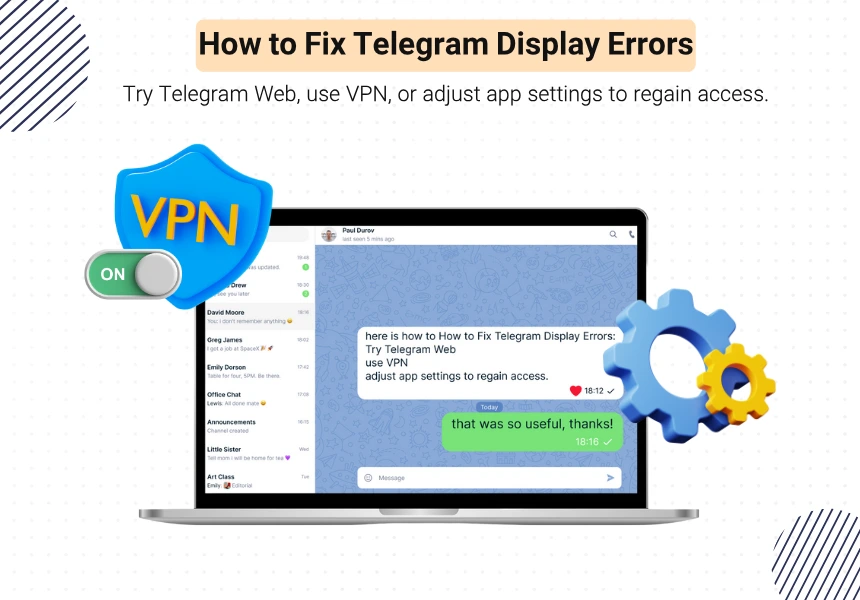
- Use Telegram Web or Desktop: Telegram Web and Desktop versions are less restricted than mobile apps. Simply log in at web.telegram.org and try opening the same channel or message.
- Use a Different Version of Telegram: Install Telegram X (Android) or download the official APK from the Telegram website to bypass some app store restrictions.
- Use a VPN to Bypass Regional Filters: If the content is blocked due to your country or IP address, connect to a VPN and choose a different region—preferably one with fewer content restrictions.
- Change App Settings (If Available): On Telegram Desktop: Go to Settings → Privacy & Security → Disable filtering to show sensitive content. This option may not be available on all platforms.
Can You Unblock a Telegram Channel Manually?
In most cases, you can’t manually unblock a Telegram channel from within the app—especially if the restriction is due to regional filters or app store policies. However, there are some workarounds you can try:
- Use a VPN to change your IP location. Channels blocked in your country may become accessible.
- Switch to Telegram Web or Desktop, where fewer restrictions apply.
- Create or log in with a different account (e.g., using a non-restricted phone number or virtual SIM).
Keep in mind that while these methods can help, they may not work in every situation—especially if the content was removed or banned globally.
In many cases, channels are blocked due to copyright violations. Learn how to protect your own content—or take action when someone steals it—in our full guide on handling copyright infringement on Telegram.
Is It Safe to Bypass These Restrictions?
Bypassing Telegram’s content restrictions isn’t always risk-free. While using tools like VPNs or unofficial apps may unlock access, they come with potential downsides:
- Privacy Risks: Some unofficial Telegram clients may track your data or compromise your security.
- Account Warnings: Telegram may flag unusual activity, especially if you use modified apps or suspicious VPNs.
- Legal Concerns: In some regions, bypassing restrictions can violate local laws.
If you choose to bypass, stick to safe methods—like Telegram Web or the official desktop version—and avoid third-party apps you don’t trust.
Are There Legal Risks in Unlocking Blocked Telegram Channels?
While trying to access blocked content on Telegram can seem harmless, there are real risks you should be aware of.
- In Some Countries: Using VPNs or bypassing restrictions may break local internet laws or censorship rules.
- On Telegram: Using unofficial or modified apps to unlock restricted channels can lead to account warnings or bans.
To reduce risk, stick to Telegram’s official apps and avoid engaging with illegal or copyrighted content.
Alternative Ways to Access Blocked Telegram Channels Safely
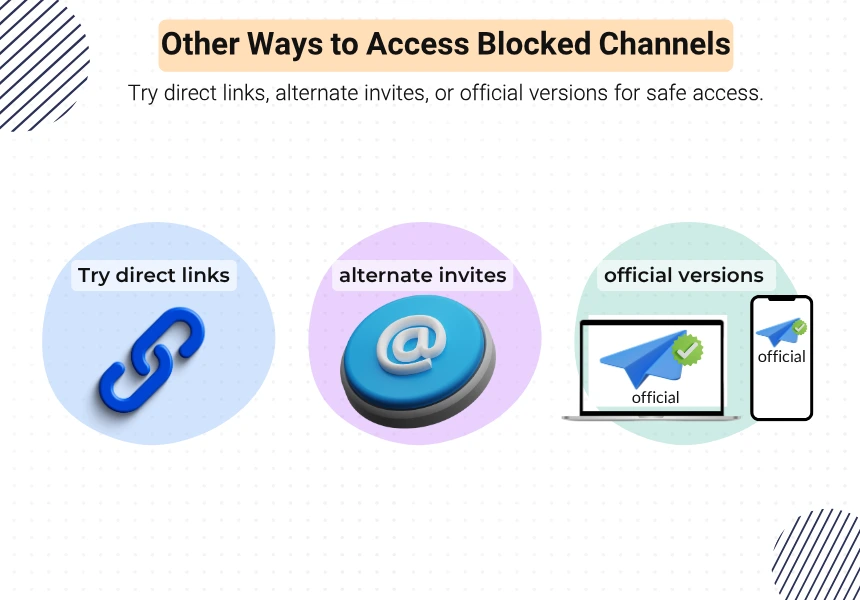
If you’re still seeing the “cannot be displayed” error, here are a few safer alternatives to try:
- Use Direct Links in Browser: Try opening the channel using its t.me/… link in a web browser. Sometimes this bypasses app-level filters.
- Ask for an Alternate Invite: If you know the admin, request a new invite link or access through a different group that reposts the same content.
- Use Official Desktop or Web Versions: As mentioned earlier, these versions often have fewer restrictions than mobile apps—especially iOS.
Avoid using shady third-party apps. Even if they work, they might compromise your privacy or security.
Conclusion: What to Do When Telegram Says ‘Cannot Be Displayed’
Seeing the “This channel cannot be displayed” message on Telegram can be frustrating, but it’s often easy to fix. Whether the issue is due to content filters, app store rules, or regional restrictions, you have options.
Use Telegram Web or Desktop, try a different version of the app, or use a trusted VPN—safely. Always avoid risky apps or illegal content, and focus on solutions that protect your privacy and account.
FAQs About Cannot Be Displayed Telegram Errors
1. Why are some Telegram channels hidden on the iPhone?
Apple’s App Store policy restricts adult or sensitive content, so some Telegram channels are hidden by default on iOS.
2. Can you report a blocked Telegram channel?
No, you can’t report a channel just because it’s blocked. Reporting is for abuse or spam, not access restrictions.
3. Will VPN always help fix this error?
In many cases, yes. VPNs can bypass regional filters, but they won’t help if the channel is globally removed or flagged for illegal content.