
If your messages on Telegram suddenly stop getting views or replies, even though everything looks normal on your end, you might be dealing with a Telegram shadow ban. It’s a hidden restriction where your content becomes invisible to others—without any warning or notification.
Unlike a full account ban, shadow banning is silent. You can still send messages, but your reach drops sharply, especially in groups or channels. Many users don’t even realize it’s happening until engagement drops or friends stop responding.
In this article, we’ll explain what a Telegram shadow ban is, how it works, what signs to look for, and what you can do if you’ve been affected.
If you think you might be shadow banned, it’s also worth learning about the broader reasons why accounts get banned from Telegram.
What Is Shadow Banning on Telegram?
A shadow ban on Telegram is a hidden restriction placed on your account that limits the visibility of your messages—without any official notice. You can still use your account normally, send messages, join groups, and post in channels, but your content might not actually reach others.
What makes shadow banning confusing is that everything appears normal from your side. Messages are sent, but they’re often invisible to others. No one replies. Your view counts drop. It feels like you’re talking into the void.
This is Telegram’s way of silently controlling spammy or disruptive behavior—without resorting to full bans or account suspensions. It’s often temporary but can be frustrating if you don’t realize it’s happening.
Why Does Telegram Shadow Ban Accounts?
Telegram uses shadow banning as a quiet way to manage behavior that may go against its guidelines—especially spam or abusive activity. It’s not always manual; often, Telegram’s automated systems detect certain actions and restrict visibility without directly informing the user.
Here are the most common reasons:
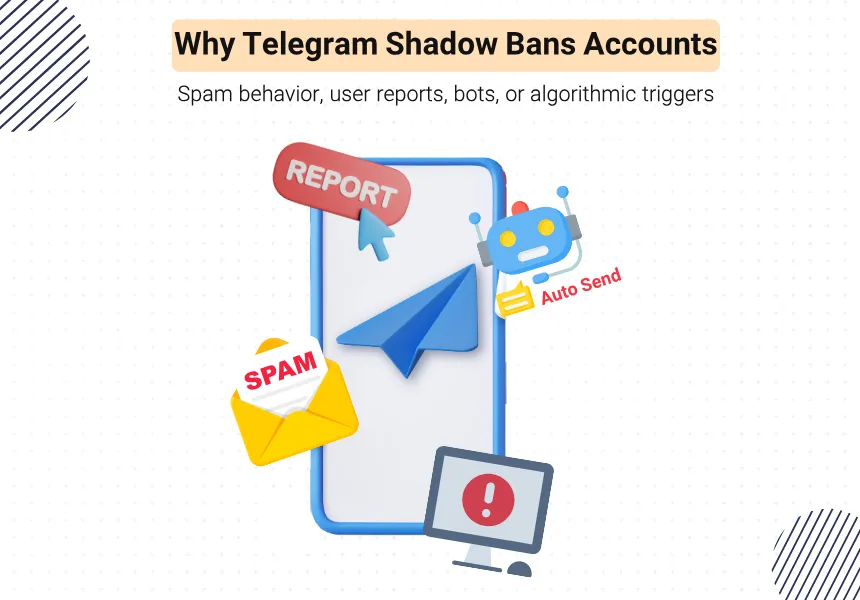
Repeated Spam-Like Behavior
Sending the same message too often, forwarding to multiple groups, or aggressively promoting links can trigger Telegram’s anti-spam filters—especially if done in a short period of time.
Getting Reported by Other Users
When other users or group admins repeatedly report your messages or account, Telegram may shadow ban you to reduce potential harm while avoiding overblocking.
Misuse of Bots and Automation
Using bots that send unsolicited messages, auto-post in multiple channels, or add users without permission can also lead to shadow bans—especially if those bots violate Telegram’s terms.
Algorithmic Triggers
Telegram relies on smart algorithms to flag suspicious patterns. Even if you don’t intend to spam, the system may flag you based on your message frequency, link repetition, or group behavior.
Common Signs You Might Be Shadow Banned
One of the biggest challenges with a Telegram shadow ban is that it’s silent—there’s no alert or notification. Everything seems normal from your side, but the platform quietly limits your visibility.
Here are the most common signs:
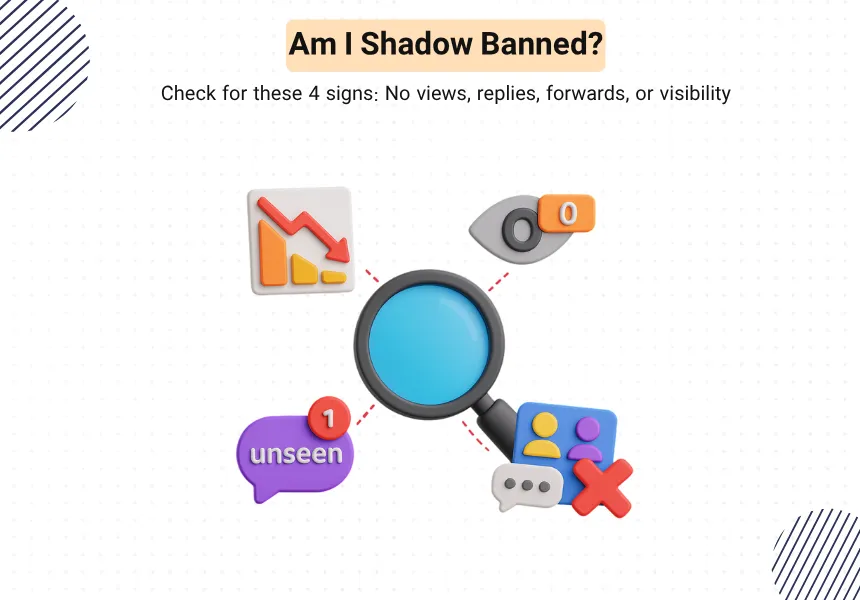
Sudden Drop in Engagement
If your posts or messages used to get replies, views, or reactions—and suddenly they don’t—that’s a red flag. A sharp decline in engagement, especially without a change in your content, may mean your messages aren’t being seen.
Messages Visible Only to You
In groups or channels, you might send a message that appears delivered—but no one responds. That’s because it could be visible only on your screen, not to other members.
Disappearance from Group Feeds
Some users report that their messages don’t show up in group chats at all, even though they appear in their own chat view. Others may confirm that they didn’t receive or see your message.
No Reactions, Views, or Forwards
If your posts stop receiving view counts, reactions, or forwards, and this is unusual for your activity, you might be shadow banned—especially in channels with regular audience interaction.
In some cases, the steps to fix a banned Telegram account can also help resolve shadow bans.
How to Check If You’re Shadow Banned
Because Telegram doesn’t notify you directly, the only way to confirm a shadow ban is through manual testing and behavioral clues. Here are a few effective methods:
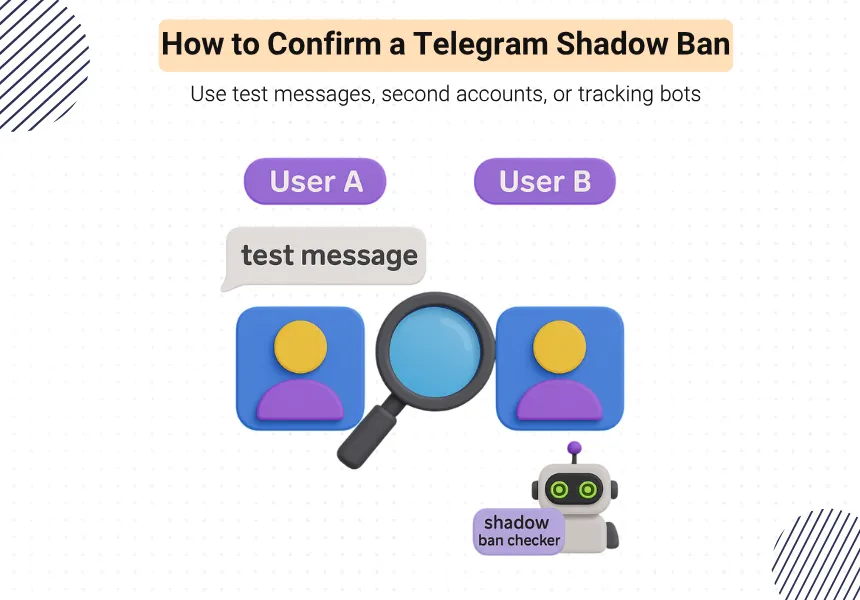
Test Messages in a Group
Send a normal message in a group where you’re active. Then ask other members if they received it. If they didn’t, but it appears visible to you—that’s a clear sign of a shadow ban.
Use a Second Account
Create or borrow another Telegram account. Send a message from your main account in a group or channel, and then check from the second account if the message is visible. If not, your main account might be restricted.
Try a Shadow Ban Checker Bot
Some bots claim to detect shadow bans by testing message visibility or checking engagement. While not always 100% reliable, they can help confirm suspicions—especially when combined with other signs.
Monitor Engagement Drops
Compare your recent engagement (views, replies, reactions) with previous trends. A consistent drop without any changes to your content or timing could indicate your messages aren’t reaching others.
A sudden drop in engagement or views is one of the main signs of a shadow ban. You can learn more about how Telegram counts views in our guide on Telegram view count.
How to Remove a Shadow Ban on Telegram
If you suspect you’re shadow banned, don’t panic. While Telegram doesn’t provide an official way to lift it, there are several steps you can take to reverse it—or at least prevent it from getting worse.
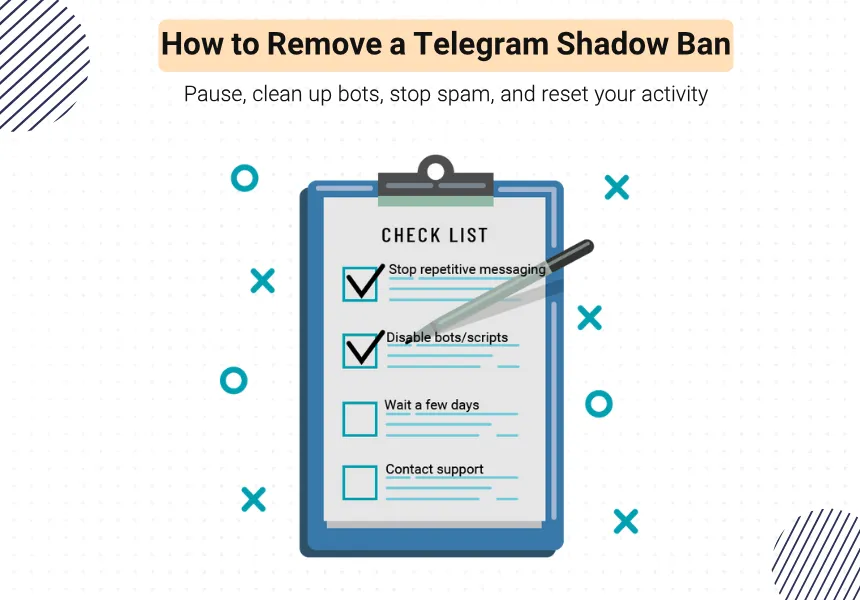
Stop Suspicious Behavior
Immediately stop any activity that might have triggered the ban:
- Don’t send repetitive messages or mass forwards
- Avoid sharing promotional links aggressively
- Pause any automated bot actions
- Reduce Your Activity Temporarily
Give your account a short break. Sometimes, a few days of silence is enough to reset the algorithm’s perception of your behavior.
Clean Up Bots or Automation Tools
If you’re using third-party bots or scripts, disable them—especially if they auto-post, auto-forward, or send bulk messages.
Contact Telegram Support (Optional)
You can try reaching out to Telegram support, especially if you believe the ban was a mistake. While responses are rare, it may help in some cases—especially for business or high-profile accounts.
Create a New Account (Last Resort)
If the shadow ban persists after all steps, and your engagement remains flat, you may consider creating a new Telegram account. Just make sure to avoid the same behaviors that led to the issue.
Tips to Avoid Getting Shadow Banned
Preventing a shadow ban is much easier than dealing with one. Here are some practical tips to help keep your Telegram account healthy and visible:
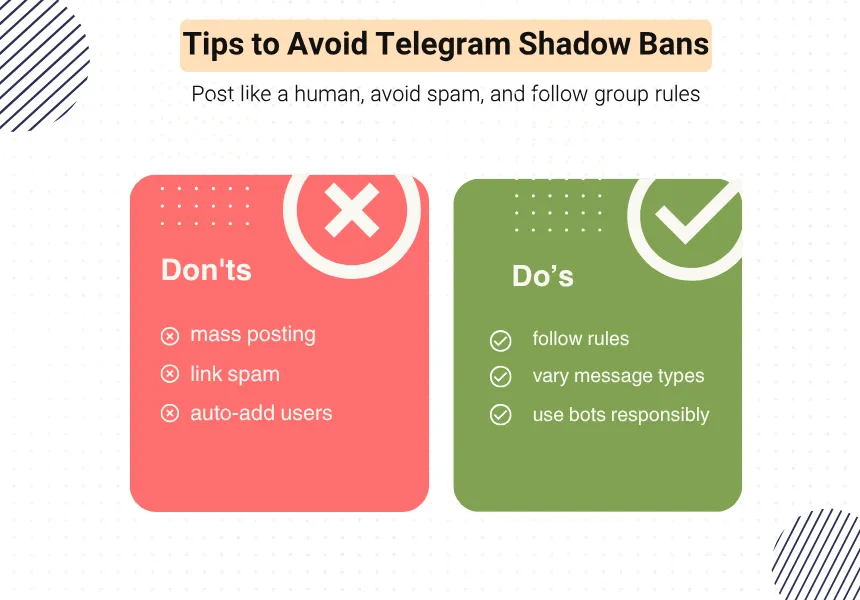
Follow Group and Channel Rules
Always respect the guidelines of the groups or channels you participate in. Repeated rule violations—even small ones—can lead to user reports, which trigger Telegram’s spam filters.
Avoid Spamming or Repetitive Messaging
Don’t send the same message to multiple groups or users in a short period. This kind of behavior is a major red flag for Telegram’s anti-spam algorithms.
Use Bots and Automation Carefully
If you’re using bots or automation tools, make sure they’re configured to behave like real users—no mass messaging, no unsolicited links, and no aggressive joining or posting.
Keep Your Activity Human and Natural
Don’t behave like a bot. Mix up your messages, avoid overusing links or emojis, and keep a natural posting pace. Sudden bursts of activity can get you flagged, especially on new accounts.
Set Up Proper Privacy and Security Settings
Adjust your Telegram settings to control who can contact you, invite you to groups, or add you to channels. This helps reduce the risk of spammy behavior being associated with your account.
Conclusion: Avoiding Shadow Bans on Telegram
A Telegram shadow ban can be frustrating—especially when you’re unaware it’s happening. Your messages look fine to you, but they’re quietly hidden from others, affecting your reach, replies, and engagement.
The good news? Shadow bans are often temporary and can be reversed with the right steps. Avoid spam-like behavior, monitor your account activity, and follow best practices to stay visible.
By understanding how shadow bans work and how to prevent them, you can keep your account clean, active, and fully functional—without risking silent restrictions.
FAQs About Telegram Shadow Bans
1. What does shadow banning mean on Telegram?
It means your messages are hidden from others without any warning, even though your account appears normal.
2. Why does Telegram shadow ban some accounts?
Usually due to spammy behavior, reports from users, or misuse of bots.
3. How can I tell if I’m shadow banned on Telegram?
Check for signs like no engagement, invisible messages, or reduced views—especially if you test it from a second account.
4. Can a Telegram shadow ban be removed?
Yes, in most cases. Stop suspicious activity, reduce posting for a while, and reset any bots or automation tools.
5. How can I avoid getting shadow banned on Telegram?
Respect group rules, avoid spam, post naturally, and use bots responsibly.